Best Python Libraries for Freelancers in 2026: The Comprehensive Guide

A comprehensive guide to the best Python libraries every freelancer needs in 2026 — from general libraries for development and data analysis to specialized libraries for translation and localization.
Word Count: ~2000 · Reading Time: 10 minutes
The Most Powerful Python Libraries for Freelancers in 2026
From the most in-demand general libraries in the job market to hidden gems specialized in translation and localization
Note to the Reader: This article is completely standalone and can be read without following the series. However, it was designed as a practical conclusion to our journey in the Python for Freelancers 2026 Series—each library listed here connects directly to skills we have built together across sixteen articles.
When you learn Python, you learn a language. But what makes this language exceptionally powerful is not its syntax, but its massive library of free extensions built by developers worldwide and made available to everyone. Every library saves you weeks or months of building from scratch.
In this final article from the Zy Yazan Platform, we review the most powerful libraries you will need as a freelancer in 2026—broken down into two stages: the first stage covers general-purpose libraries needed by every Python developer regardless of their specialization, and the second stage uncovers hidden libraries rarely discussed in Arabic content, yet they make a real difference for anyone working in translation and localization.

Stage One: Top General Python Libraries for Every Freelancer
These libraries complement one another—each covering a different aspect of a freelancer’s daily projects, from building APIs to data analysis, browser automation, and background task management.
1. FastAPI — For Ultra-Fast API Development
We introduced it in the twelfth article of this series, and it remains our top choice for building professional REST APIs. It generates interactive documentation automatically, validates data effortlessly, and its performance rivals frameworks written in Go and Node.js.
pip install fastapi uvicorn

# A 5-line example — Ready-made API with automatic documentation
from fastapi import FastAPI
app = FastAPI()

@app.get("/status")
def get_status(): return {"status": "running", "version": "1.0"}
When to use it: When you are building a commercial software service or need an API that other applications communicate with.
2. Pandas — For Data Analysis and Excel/CSV Manipulation
The most widely used data analysis library in the world. It allows you to load Excel files, CSVs, and databases to clean, filter, and transform them in just a few lines. We discussed it in the sixth article, and it is indispensable for any freelancer working with client data.
pip install pandas openpyxl

import pandas as pd

df = pd.read_excel("client_data.xlsx")
# Filter rows, calculate totals, export report
summary = df.groupby("category")["revenue"].sum()
summary.to_excel("report.xlsx")
When to use it: Any task involving data—reports, invoices, sales analysis, or comparing lists.
3. Playwright — For Modern Browser Automation and Web Scraping
The next-generation Web Automation tool from Microsoft. You can control Chrome, Firefox, and Safari programmatically—log in, fill out forms, scrape data from JavaScript-dependent websites, and test web applications. It is faster and more reliable than the legacy Selenium library.
pip install playwright
playwright install

from playwright.sync_api import sync_playwright

with sync_playwright() as p:
    browser = p.chromium.launch()
    page = browser.new_page()
    page.goto("https://example.com")
    title = page.title()
    page.screenshot(path="screenshot.png")
    browser.close()
    print(f"Page title: {title}")
When to use it: Scraping data from dynamic websites, testing user interfaces, and automating tasks that require a real browser.
4. LangChain — For Integrating Generative AI Applications
We introduced LangChain in the thirteenth article, and it is the most popular framework for building applications powered by Large Language Models (LLMs). It allows you to connect different models to external data sources, build processing chains, and develop intelligent agents that make autonomous decisions.
pip install langchain langchain-openai

from langchain_openai import ChatOpenAI
from langchain.schema import HumanMessage

llm = ChatOpenAI(model="gpt-4o-mini")
response = llm.invoke([HumanMessage(content="Summarize this in 2 sentences: ...")])
print(response.content)
When to use it: Building smart chatbots, RAG systems that answer questions from proprietary documents, and intelligent agents that utilize external tools.
5. Pydantic — For Data Validation and Quality Assurance
The library working behind the scenes in FastAPI, LangChain, and many other modern tools. It allows you to define clear data models and automatically validates that incoming data matches the required type and format before it ever hits the rest of your code.
pip install pydantic

from pydantic import BaseModel, EmailStr
from typing import Optional

class Client(BaseModel):
    name: str
    email: EmailStr
    budget: float
    country: Optional[str] = None

# Pydantic automatically validates data upon creation
client = Client(name="Sara", email="sara@example.com", budget=1500)
print(client.model_dump())
When to use it: In any project where you receive data from external sources—web forms, APIs, or JSON files.
6. Celery — For Background Tasks and Scheduled Jobs
When your website or service needs to perform time-consuming tasks without freezing the user experience—such as sending bulk emails, generating massive reports, or processing files—Celery is the solution. It offloads the task to background processing and returns control to the user immediately.
pip install celery redis

from celery import Celery

app = Celery("tasks", broker="redis://localhost:6379/0")

@app.task
def send_invoice_email(client_email: str, invoice_id: str):
    # This task executes in the background without hanging the site
    print(f"Sending invoice {invoice_id} to {client_email}...")

# Call — returns immediately without waiting
send_invoice_email.delay("client@example.com", "INV-2026-087")
When to use it: Projects requiring scheduled jobs or background processing that cannot be run while the user waits.
7. Streamlit — For Creating Interactive Web Apps in Minutes
A magical library that transforms a Python script into a fully functional interactive web application without writing a single line of HTML or JavaScript. It is perfect for showcasing analysis results to clients, building quick prototypes, or creating internal GUI tools.
pip install streamlit

import streamlit as st
import pandas as pd

st.title("Client Data Analytics Dashboard")

uploaded = st.file_uploader("Upload Excel File", type=["xlsx"])
if uploaded:
    df = pd.read_excel(uploaded)
    st.dataframe(df)
    st.bar_chart(df["revenue"])

# Run: streamlit run app.py
When to use it: Presenting data dashboards to clients, prototyping AI tools, and building internal utilities that do not require complex front-end designs.
8. SQLAlchemy — For Flexible and Professional Database Management
We discussed Django’s ORM engine in the eleventh article, but SQLAlchemy is the go-to choice when you are not using Django or need finer control over your database. It works seamlessly with PostgreSQL, MySQL, and SQLite using the same code, allowing you to build complex queries with clean Python syntax.
pip install sqlalchemy psycopg2-binary

from sqlalchemy import create_engine, Column, String, Float, Integer
from sqlalchemy.orm import DeclarativeBase, Session

class Base(DeclarativeBase): pass

class Project(Base):
    __tablename__ = "projects"
    id       = Column(Integer, primary_key=True)
    title    = Column(String(200))
    budget   = Column(Float)
    status   = Column(String(20), default="active")

engine = create_engine("postgresql://user:pass@localhost/mydb")
Base.metadata.create_all(engine)

with Session(engine) as session:
    project = Project(title="Professional Website", budget=2500.0)
    session.add(project)
    session.commit()
When to use it: Any project needing a database outside of the Django ecosystem—such as FastAPI apps, Streamlit dashboards, or standalone scripts.
| Library | Problem Solved | Learning Curve | Featured in Series |
|---|---|---|---|
| FastAPI | Building and selling APIs | Easy | Article 12 |
| Pandas | Data analysis and Excel manipulation | Intermediate | Article 6 |
| Playwright | Browser automation and web scraping | Intermediate | New in this article |
| LangChain | AI applications integration | Intermediate | Article 13 |
| Pydantic | Data validation and quality | Easy | Article 12 |
| Celery | Background and scheduled tasks | Advanced | New in this article |
| Streamlit | Rapid interactive web UI creation | Easy | New in this article |
| SQLAlchemy | Database systems outside Django | Intermediate | Article 11 |

Stage Two: Hidden Libraries Specializing in Translation and Localization
These libraries are rarely mentioned in mainstream Arabic technical content because Localization remains a highly specialized discipline. However, for those working in translation, localization, or building utilities for this field, these tools save weeks of effort and reduce complex tasks to simple lines of code.
1. Babel — Complete Application Localization and Cultural Formats
The core and most robust library for application localization and internationalization (i18n). It enables you to format dates, numbers, currencies, and times according to each user’s cultural preference automatically. For example, a date rendered as “03/15/2026” for an American user will appear as “2026-03-15” for a Japanese user, all with a single line of code.
pip install babel

from babel.dates import format_date, format_datetime
from babel.numbers import format_currency
from datetime import date

today = date.today()

# The same date formatted across different cultural settings
print(format_date(today, locale="ar_SA"))    # ١٥ مارس ٢٠٢٦
print(format_date(today, locale="en_US"))    # March 15, 2026
print(format_date(today, locale="fr_FR"))    # 15 mars 2026

# Currencies handled according to local norms
print(format_currency(2500, "USD", locale="ar_SA"))   # ٢٬٥٠٠٫٠٠ US$
print(format_currency(2500, "EUR", locale="de_DE"))   # 2.500,00 €
When to use it: Any application targeting a multicultural audience—such as e-commerce stores, e-learning platforms, or financial systems.
2. translate-toolkit — Professional Localization File Toolkit
A massive library that serves as the premier reference for handling industry-standard translation file formats like XLIFF, PO, TMX, and TS. It converts formats, merges translation memories, extracts statistics, and performs quality assurance checks. It is widely embedded within professional localization pipelines.
pip install translate-toolkit

# Convert a PO file to XLIFF via the command line
# po2xliff -i translations.po -o translations.xliff

# Or programmatically
from translate.storage import pypo, xliff

# Load and analyze a PO file structure
with open("messages.po", "rb") as f:
    store = pypo.pofile(f)

for unit in store.units:
    if unit.source and unit.target:
        print(f"EN: {unit.source}")
        print(f"AR: {unit.target}")
        print(f"Translated: {'Yes' if unit.target else 'No'}")
When to use it: Managing large-scale translation projects, converting between specialized formats, and merging Translation Memories.
3. polib — Streamlined PO and MO File Manipulation
If you handle software using the famous GNU gettext translation system—which powers WordPress, Django, and Linux ecosystems—polib is your tool of choice. It is lightweight and easy to use, letting you read, modify, and generate *.po and *.mo files programmatically.
pip install polib

import polib

# Load a PO file and evaluate translation progress
po = polib.pofile("django.po")

translated   = len(po.translated_entries())
untranslated = len(po.untranslated_entries())
fuzzy        = len(po.fuzzy_entries())
total        = translated + untranslated + fuzzy

print(f"Progress: {translated}/{total} ({po.percent_translated():.1f}%)")
print(f"Needs Review (Fuzzy): {fuzzy}")
print(f"Untranslated yet: {untranslated}")

# Update a specific string and save the file
for entry in po.untranslated_entries():
    if entry.msgid == "Submit":
        entry.msgstr = "إرسال"
        break

po.save("django_updated.po")
When to use it: Automating translation file management in WordPress or Django developments, tracking translation milestones, and combining multiple files.
4. DeepL Python — Professional Machine Translation with Layout Preservation
The official wrapper library for the DeepL API, widely recognized by translation experts as the highest quality machine translation engine. It stands out by fully preserving HTML tags, XML entities, and file formatting in Word documents or PDFs during the translation process—a feature where many alternatives struggle.
pip install deepl

import deepl
import os

translator = deepl.Translator(os.environ.get("DEEPL_API_KEY"))

# Standard string translation
result = translator.translate_text(
    "The localization process requires careful attention to cultural nuances.",
    target_lang="AR"
)
print(result.text)

# HTML translation preserving markup structure completely
html_result = translator.translate_text(
    "<p>Welcome to our <strong>platform</strong>!</p>",
    target_lang="AR",
    tag_handling="html"
)
print(html_result.text)
# Output: <p>مرحباً بك في <strong>منصتنا</strong>!</p>
When to use it: Automating initial baseline translations for large volumes of content, preparing material to be funneled into a human-in-the-loop review pipeline.
5. langdetect — Instant Text Language Identification
A fast, lightweight port of Google’s language-detection algorithm. It identifies the language of any given text snippet in a fraction of a second, supporting 55 languages including Arabic. It is highly beneficial as a pre-processing step to route text to the appropriate pipeline.
pip install langdetect

from langdetect import detect, detect_langs

# Detect primary language match
print(detect("بايثون لغةٌ برمجيةٌ رائعة"))  # ar
print(detect("Python is an amazing language"))  # en
print(detect("Python est un langage incroyable"))  # fr

# Detect potential language mixtures with confidence scores
langs = detect_langs("This text might be in multiple languages")
for lang in langs:
    print(f"{lang.lang}: {lang.prob:.2%}")
When to use it: Filtering user-submitted content by language, dispatching api requests to matching translation nodes, and verifying legacy file sources prior to parsing.
A translator or localization consultant who masters these five tools can architect automation pipelines capable of finishing in hours what once took days, leveraging these skills to deliver premium services that go far beyond basic manual translation.
Series Recap: What Have We Built Together?
We began this series with a fundamental question: Why should a web freelancer learn Python? Over sixteen articles, we didn’t just answer that question theoretically; we answered it practically. We configured our environments, wrote our first scripts, automated routine workflows, parsed Excel spreadsheets, developed chat systems, engineered dynamic web tools, launched production-ready REST APIs, interfaced with state-of-the-art AI models, and solved tangible bottlenecks faced by language translation specialists.
Python is not an end in itself; it is a force multiplier that raises your value in the marketplace, letting you offload repetitive tasks to software scripts. The next step is yours to take.

References and Sources:
- Official Documentation for FastAPI: FastAPI Documentation
- Official Documentation for Babel i18n Toolkit: Babel Documentation
- Official Documentation for Playwright Python Wrapper: Playwright for Python
- Official DeepL SDK Client for Python: DeepL Python Library — GitHub
- Official Library Reference for polib Management: polib Documentation
- Core Repository of translate-toolkit Utilities: translate-toolkit — GitHub
Freelancer Skill Development Series 2026
Python for Freelancers — 16 Articles








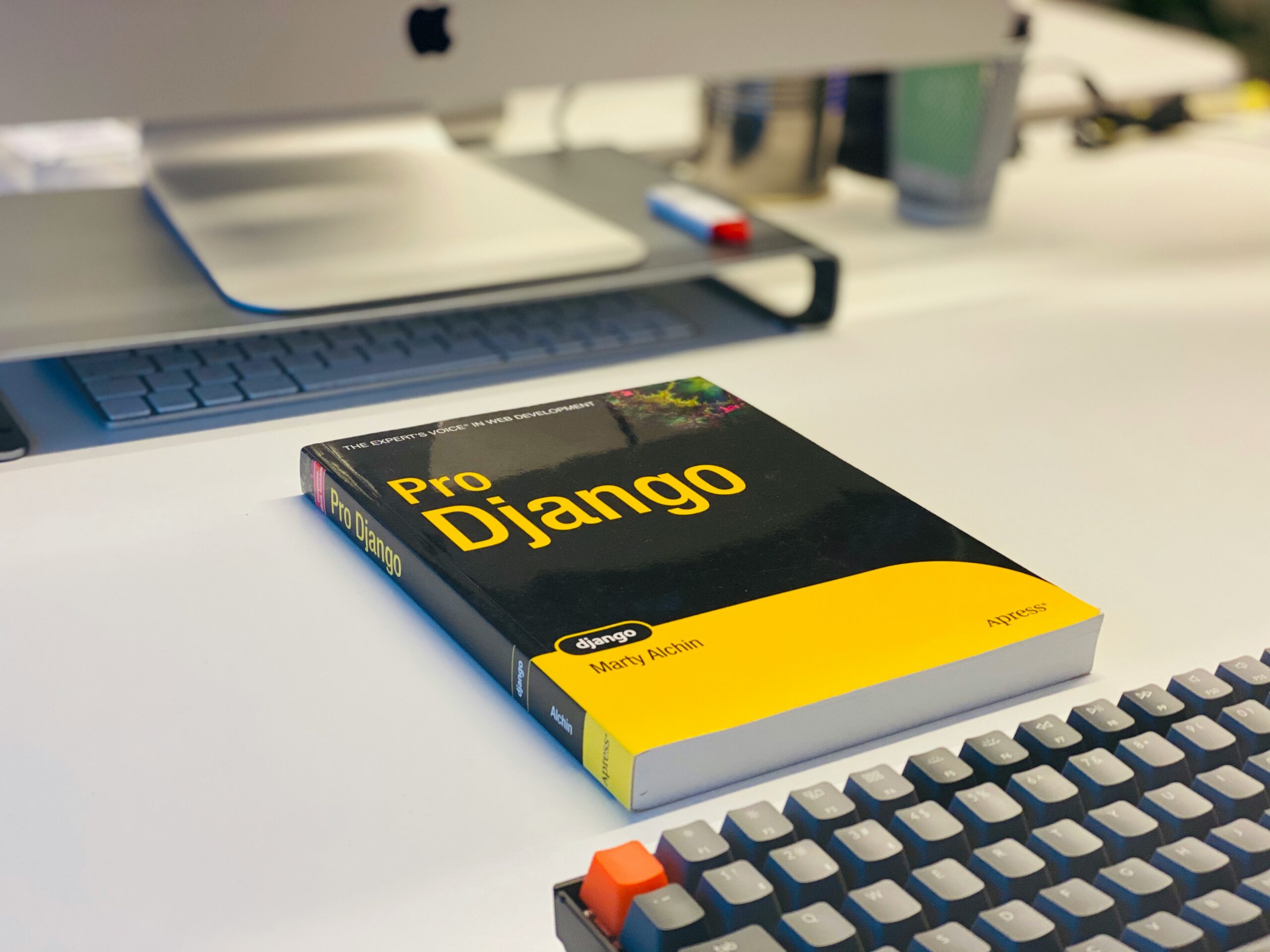




Series Python for Freelancers — 16 Articles | Zy Yazan Platform