
Web Developer in 2026: How to Build and Code Your Website Entirely with AI Help

How did AI change the web developer’s role in 2026? A review of Cursor, v0, and Devin tools, and how website owners and freelancers can use them — with an honest answer to the question everyone worries about.
Word count: ~2000 · Reading time: 10 minutes
Web Developer in 2026
When AI became a partner in code — not a replacement for those who understand it
You are reading the final article in the Web Design Guide series. Our journey started from creating your first WordPress blog, moved through HTML, CSS, JavaScript, servers, hosting, PHP, Python, and Web3. Today we stand at the present and the future: How does a web developer work when AI has become a daily part of their tools?
In 2022, the question was: “Can AI write code?” In 2026, the question changed to: “Who is not using AI in their programming work?” The tools are here, professionals use them, and the market now expects them. In this article from Zy Yazan Platform, we will learn together what really changed, what tools became part of the scene, and how you can benefit from them whether you are a website owner, a freelancer, or a developer building larger projects.

What Really Changed — Three Shifts, Not Just One
Talking about the “AI revolution in programming” puts different things into one basket. There are three distinct shifts that we need to name accurately:
The First Shift — Smart Autocomplete: The code editor used to complete the single word you were writing. Today, it completes the full sentence, the full function, and sometimes the full file based on what you wrote in other files. This saved real time for developers without changing the core of their work.
The Second Shift — Chatting with Code: Instead of searching Stack Overflow (the largest global platform for programmer questions and answers) for a solution to a problem, you describe the problem in simple words and get a suggested code. This changed the speed of work significantly.
The Third Shift — Generation from Description: I describe an interface and get ready-to-use HTML and CSS code. I describe an app and get its structure. This shift is the most controversial — and it is what we will discuss honestly.
The Tools That Made a Difference — Away from the Hype
Cursor — The Code Editor That Understands Your Project
Cursor is not just a regular code editor with AI added to it — it is an editor built from the ground up around the idea that AI is a partner, not just a tool. The main difference: when you ask it about a problem, it understands your whole project — other files, dependencies, and your coding style — not just the line in front of it. Developers who tried it say it feels like working with an assistant who knows their project, not a search engine giving general results.
v0 by Vercel — From Description to a Working Interface
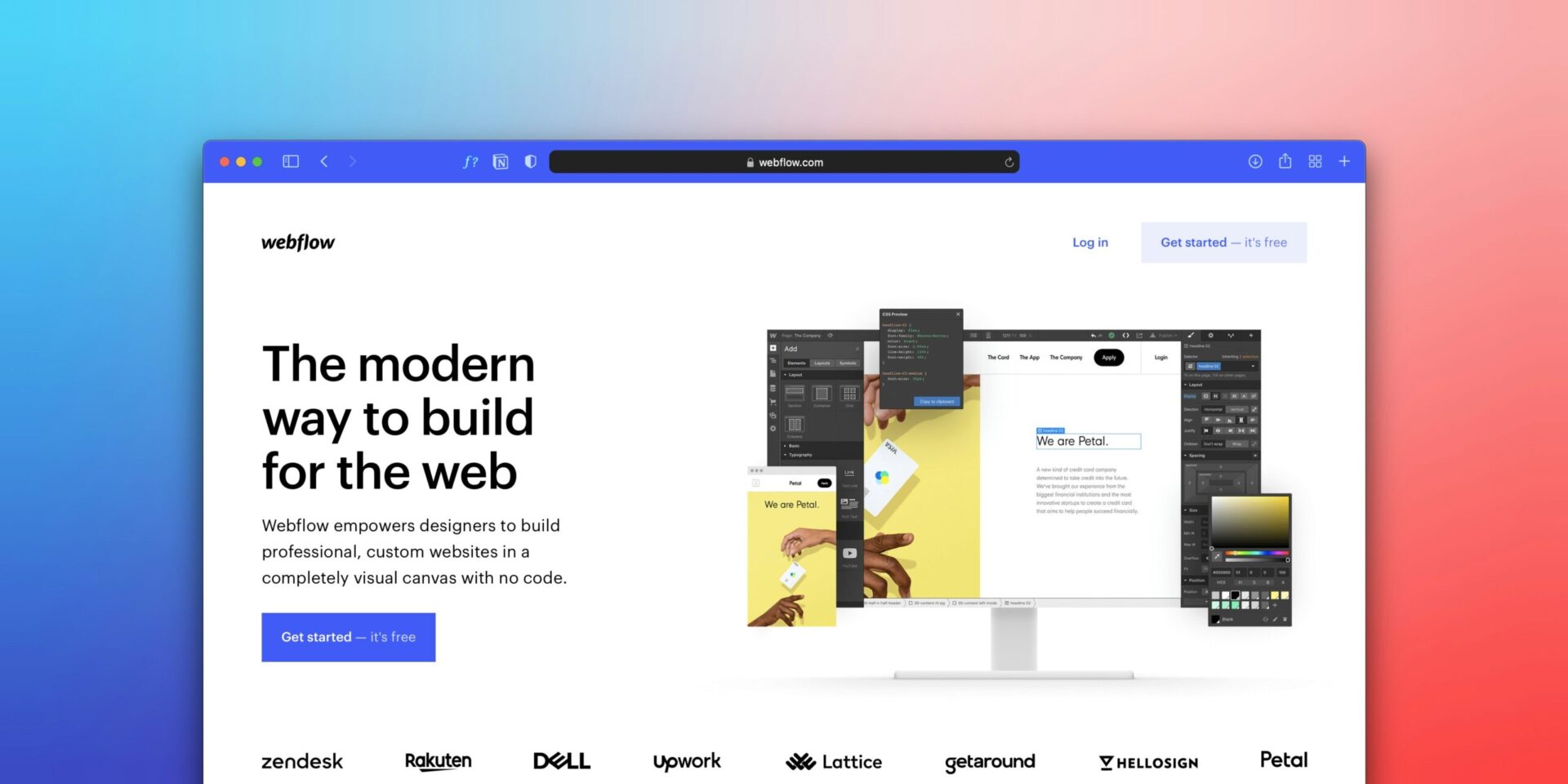
v0 targets exactly what website owners and designers care about: “I want an interface that looks like this”. You describe the interface with words or give it a rough image, and it produces ready React and CSS code that you can edit immediately. It is not perfect — the code needs review and changes — but it saves hours of initial work.
GitHub Copilot — The Partner Inside the Editor
GitHub Copilot is the most popular because it works inside famous code editors like VS Code. It suggests lines of code as you write, explains existing code, and answers questions about your project. For a beginner, it is a guide; for a professional, it is a speed booster.
Devin — The Autonomous Agent (And Its Real Limits)
Devin is the most controversial example: an AI agent that claims the ability to finish full engineering tasks independently. The reality is more modest: it finishes well-defined tasks well, but struggles with large, complex projects that need human judgment and context. It points to a future direction but does not represent the full present.

The Question That Worries Everyone — Frank and Direct
“Will AI replace the web developer?”
The honest answer: It replaces a part of the work, but it does not replace the developer. This is not a complimentary reassurance, but what is actually happening in the job market today.
The tasks with less demand are: writing repetitive and standard code, building simple interfaces from scratch, and searching for common errors. The tasks with higher demand are: understanding client requirements and turning them into precise specifications, reviewing code produced by AI to fix its mistakes, designing the full project architecture, and making technical decisions that need context and experience. AI speeds up the execution but does not replace the thinking.
Those who misread the scene are on two opposite sides: those who say “AI won’t change anything” and those who say “The developer is finished.” The truth is in the middle, and it requires real adaptation, not denial or panic.
How to Benefit from It Now — According to Your Role
If You Are a Website Owner, Not a Developer
The best thing AI offers you is the ability to request simple changes without needing a developer: describe the interface you want to a tool like v0, Claude, or ChatGPT, and you will get code that you can paste into the WordPress custom HTML block. Simple edits like changing a color, adjusting a layout, or adding a section are now easy for anyone who knows how to describe what they want accurately. This skill, describing what is needed precisely, is what we learned throughout this series.
If You Are a Freelancer
AI multiplies your productivity; it does not compete with you. Projects that used to need a week might now take three days. This means you can accept more projects or deliver them with higher quality. But the real danger is blind trust: code produced by AI might look working on the outside, but it can carry security flaws or performance issues that appear only later! Reviewing the generated code is a new skill that a freelancer needs in 2026.
If You Are a Developer Building Larger Projects
Cursor and Copilot have become almost mandatory tools, and those who do not use them work slower than their competitors. But more importantly: learn how to write a good “prompt for coding”, meaning how to describe the problem, context, constraints, and expectations accurately. The quality of what you get from AI matches the quality of what you ask from it.
What Is Still For Humans Only
After all this noise, some things remain untouched by AI in the world of web development:
Understanding the Client: A client says “I want a professional website” and means completely different things based on their business field, audience, and previous experiences. Extracting this real meaning is still human work.
Architectural Decision: Does this project need a relational or document database? Should it be built on WordPress or from scratch? Should we invest in a PWA (turning the site into a phone app) now or later? These are decisions that need experience, judgment, and context, not statistical probability.
Real User Experience: The code works, but the website makes the visitor feel lost. This feeling cannot be measured by code or discovered by a language model; it is discovered by a designer who puts themselves in the visitor’s place.
The End of the Journey — And Another Beginning
We have reached the end of the series together. We started with someone who knew nothing about the web except Facebook, and we finished by discussing the AI tools that professional developers use today. In the distance between these two points, we learned: how a website is built from scratch, how it is published on a real server, how to read error messages, how search engines think, and what makes a website fast, responsive, and useful.
AI did not cancel any of this knowledge; it made it more valuable. Those who understand how code works can guide the AI and fix what it produces. Those who do not understand will accept any output without the ability to evaluate it. Core knowledge did not become extra; it became the filter that separates those who use the tool from those used by the tool.
Our journey in this series was not to make you a professional programmer, but to make you understand the internet you live in and
build your presence on it with awareness, not dependency.

Where Do You Go from Here?
The series is over, but multiple paths are open for you depending on what you want:
If you want to go deep into SEO and traffic: Our series SEO Guide starts from scratch and takes you to professionalism.
If you want to learn Python technically from scratch: The series Python for Freelancers goes step-by-step from installation to building real tools.
If you want to master AI as a daily work tool: The series AI Tools for Translators and Bloggers answers real practical questions.
If you want the philosophical and cultural side of all this: The series Silicon Cave asks deeper questions about humans in the age of algorithms.
References and Sources:
- Cursor Website — AI Code Editor: cursor.com
- v0 by Vercel — Generate UI from Description: v0.dev
- GitHub Copilot — Official Documentation: github.com/features/copilot
Zy Yazan Platform © 2026
Freelancer Workshops
Web Design Guide — 14 Articles







Series Web Design Guide — 14 Articles | ZYYAZAN Platform © 2026