
Internet Backstage: How Web Servers Work and Where Your Website Data is Stored

What actually happens when you type a link and press Enter? A simple explanation of servers, IP addresses, and DNS using everyday examples, with no technical background required.
Word Count: ~1800 · Reading Time: 9 minutes
Behind the Scenes of the Internet
What actually happens between the moment you click a link and the moment the page appears on your screen?
Note to the Reader: This is a theoretical article. You do not need to apply anything on your computer; you just need to understand concepts that will change how you see the internet. It is an essential preparation for the next article, where we will learn how to move your website to an independent hosting environment.
Every time you open Facebook or click an article link, a fast sequence of events happens behind the scenes. You do not see it, but it takes fractions of a second. Hundreds of kilometers, dozens of devices, and protocols designed decades ago all work together to display a page on your screen. In this article from Zy Yazan Platform, we will learn what happens behind the scenes and understand concepts that everyone working on the web hears without knowing their exact meaning: servers, IP addresses, and the DNS system.

The Server — The Kitchen Customers Do Not See
When you sit in a restaurant and order food, you do not see the kitchen. The meal comes ready to your table. However, the kitchen exists, works continuously, receives orders, prepares responses, and sends them to the right tables.
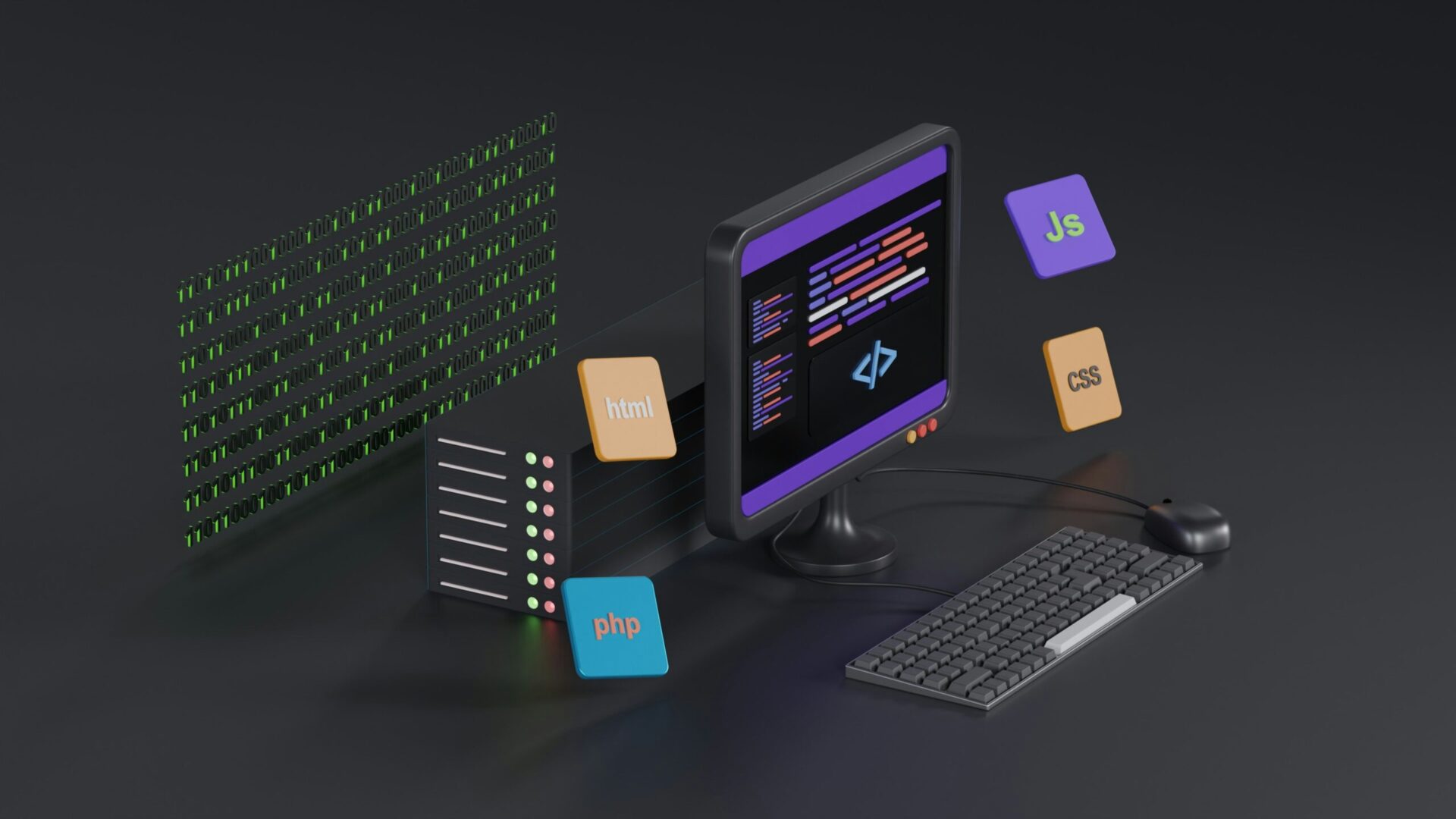
The server is the kitchen of the internet world. It is a computer—or a group of computers—running 24/7. It stores your website files (HTML, CSS, images, and databases), receives requests from visitors, and sends them the requested pages. When you buy “hosting” for your website, you are renting space on someone else’s server, just like renting a table in a shared kitchen.
The main difference between your personal computer and a server is not necessarily the shape, but how it works. Your computer works when you need it and you turn it off when you finish. A server is designed to run non-stop, connects to the internet at very high speeds, and is protected by backup systems to prevent interruptions.
IP Address — The Secret Number for Every Device
Imagine the internet as a massive city. Every device connected to it—a phone, a computer, a server—needs a unique postal address to send and receive messages. This address is the IP address (Internet Protocol Address).
A classic IP address looks like this:
192.168.1.1
or
104.21.45.238
Four groups of numbers separated by dots. Every server hosting your website has a static IP address, and this number is how the browser actually finds the website. But nobody remembers these numbers, and nobody types them into the address bar. This is where the smarter system comes in.
DNS System — The Massive Address Book
When you type zyyazan.sy into your browser and press Enter, what happens? The browser does not know this name; it only knows numbers. So it asks a special system called DNS (Domain Name System): “Please, what is the IP address for zyyazan.sy?”
Therefore, DNS is the internet’s massive address book. It keeps millions of records that link every domain name to its IP address. It answers the browser’s question in a few seconds: “Its address is 104.21.45.238.” Then, the browser connects directly to that server and requests the page.
The Complete Journey in Ten Seconds
Let us trace together what happens when you type a link and press Enter, step by step:
| Step | What Happens | The Analogy |
|---|---|---|
| 1 | You type the link and press Enter | You tell the taxi driver the restaurant name |
| 2 | The browser asks DNS for the IP address | The driver searches on Google Maps |
| 3 | DNS replies with the server’s IP address | The map gives the exact address |
| 4 | The browser connects to the server and requests the page | The taxi arrives and knocks on the door |
| 5 | The server sends the page files | The kitchen prepares the order and sends it |
| 6 | The browser assembles the files and displays the page | The meal is served on the table |
All of this happens in less than one second in most cases.
The Domain — The Name You Own
When you buy a name like zyyazan.sy, you are not buying a server. You are buying the right to use this name and register it in the DNS system to point to your chosen server. This means you can change your hosting company without changing your website name, simply by updating the DNS record to point to the new server.
The domain extension (.sy, .com, .net…) indicates the entity operating that extension’s registry. .sy is Syrian, .com is global commercial, and .org is for organizations. The choice affects your website’s identity and expected audience.
Types of Hosting — From a Shared Room to an Independent Villa
When you search for website hosting, you will find terms that sound technical but have familiar conceptual sizes:
Shared Hosting — The Apartment
Hundreds of websites share a single server and its resources. It is the cheapest and most common choice for new websites. It is completely sufficient for a blog or a small company website. However, if the server becomes busy with a neighbor’s website, your site might slow down.
Virtual Private Server (VPS) — The Apartment with a Private Door
A single server software-divided into independent units, where each unit works as a separate server. You get guaranteed resources that no one else can take, with more configuration flexibility. This is the right choice for medium websites that are starting to grow.
Dedicated Server — The Entire Villa
An entire server for your website alone. It offers the highest performance, security, and cost. It is designed for large websites with massive traffic.
Cloud Hosting — The Flexible Building
It does not rely on a single server, but on a network of distributed servers. It scales up automatically as traffic increases and shrinks when it drops. Google Cloud, Amazon AWS, and Microsoft Azure are the most prominent providers.
Good shared hosting is enough for 95% of new websites. Do not pay for a VPS or cloud hosting before you actually need it; the money you save should go toward better content.
HTTPS — The Lock Visitors Trust
You might have noticed that some websites start with http:// and others with https://, and that the browser shows a small lock next to secure links. The S stands for “Secure”, meaning the connection is encrypted between the visitor’s browser and your server, so no one can intercept what is sent and received.
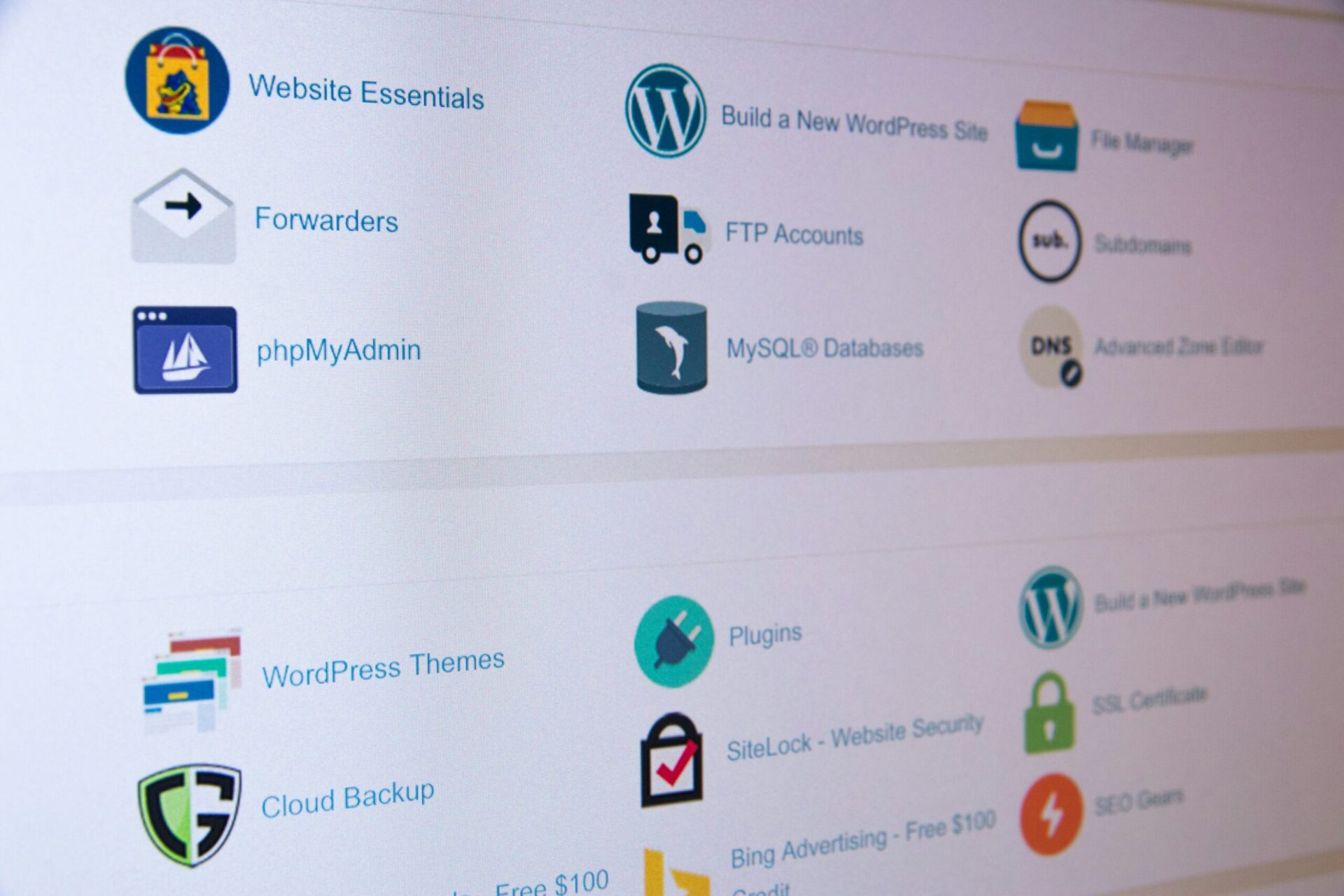
This encryption happens via a certificate called SSL. In the past, it was paid, but today most hosting companies offer it for free via Let’s Encrypt, and WordPress activates it with a single click in the control panel. Google prefers secure websites with HTTPS in search results ranking, and modern browsers warn visitors about unsecure sites, so there is no reason today to delay activating it.
Why Does This Matter to You?
You might ask: “I use WordPress and the hosting company takes care of all this, so why do I need to understand it?” The answer lies in three scenarios you will definitely face:
First — When you want to move your website from one host to another, you will need to modify DNS records to point to the new server. Those who do not understand DNS will recreate the website from scratch instead of editing two lines.
Second — When your website is slow, a specialist will tell you: “The problem is the shared server; move to a VPS.” Those who understand the difference make an informed decision, while those who do not understand pay more than they need or stay stuck with the problem.
Third — When your SSL certificate expires and you receive warning messages from your visitors’ browsers, you will know what to do instead of panicking.
Summary and Next Step
We learned together that your website lives on a server that runs non-stop. Visitors reach it through a fast journey that starts with the domain name, passes through the DNS system, and ends with files sent over an encrypted connection. These concepts are not overly complex; they are the core infrastructure behind every website you visit daily. Now that we understand what happens behind the scenes, it is time to enter the scene.
Recommended Next Step:
In the next article, we will move from theoretical understanding to actual application: how to book independent hosting, upload your files to it, and manage your website yourself from start to finish: The Independent Website: Your Practical Guide to Moving Your Site via FTP and cPanel.
References and Sources:
- MDN explanation of how the internet works: How does the Internet work? — MDN
- Cloudflare explanation of the DNS system: What is DNS? — Cloudflare
- Let’s Encrypt project for free certificates: Let’s Encrypt
— Web Design Guide Series —
Previous Article: 8- Announcing Website Existence
Current Article: 9- Internet Backstage
Next Article: 10- The Independent Website
Related Series: Blogging Guide | Multimodal Blogging Workshop | SEO Guide
Zy Yazan Platform © 2026
Freelancer Workshops
Web Design Guide — 14 Articles






Series Web Design Guide — 14 Articles | ZYYAZAN Platform © 2026



